





Support
A question, a problem, an idea for a spell or a boss? We read every message. Quack!
FAQ
How do I play?
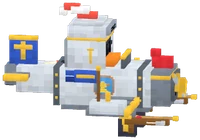
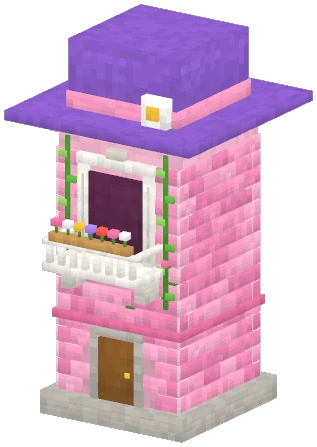
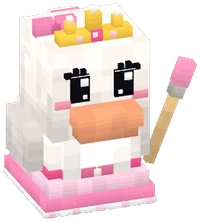
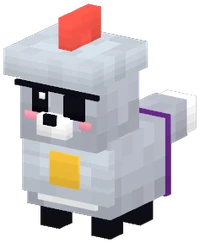
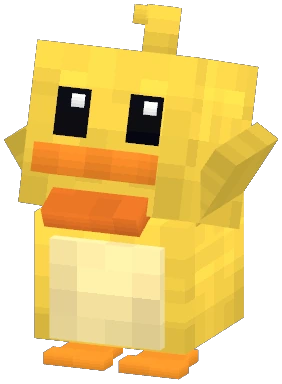
Your knight duck runs on its own towards the Great Fox's gang. Tap to strike, swipe left or right to switch lanes (and sweep the lane you land in), up to jump, down to parry. Keep your finger down to sprint, and double-tap when the gauge is full to cast your spell. Protect the princess's tower!
Do I need an account?
No. Your progress stays on your phone. Online modes use an anonymous ID, with no email or password.
Nobody to play against in “Duck vs Fox” or the “Drawbridge Brawl”?
Ranked matches look for a duck with a close rating who is waiting at the same time. Nobody in sight after about twenty seconds? A practice bot challenges you, and your rating doesn't move. You can also train against a bot whenever you like.
How do I play with friends?
Multiplayer > “Local Wi-Fi”: 2 to 4 ducks on the same Wi-Fi (or the host's hotspot), or online: create a room and share its 5-character code. Only one phone? “Party” mode turns the game into a tournament: pass the phone around, and everyone defends the tower in turn.
How do I move to a new phone?
Options > “Switch phones” > “Create a transfer code” on the old phone: you get a CANARD-XXXX-XXXX code, valid for 24 hours and single use. On the new one (iPhone or Android): Options > “Switch phones” > “Get my progress”. Without a network, “Export a file” then “Import a file” works too.
What is the microphone for?
It's optional: blowing into the mic triggers the Feather Gust (tapping its icon works too), and Quack Custom Studio records your very own quacks. The mic's sound is analysed on your phone and never sent to any server. The only exception: your recorded quacks travel with your progress if you create a transfer code.